Exterior house design software continues to grow in popularity these days. Ordinary homeowners and professional builders alike utilize this type of software to visualize how a construction or remodeling job will look.
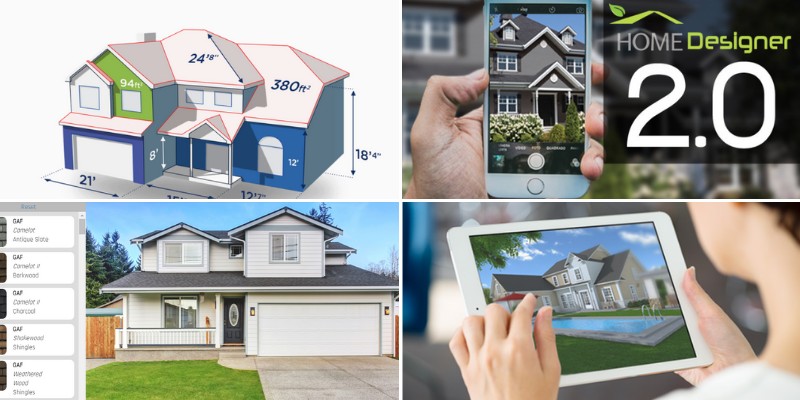
In simple terms, these tools allow the user to create an exterior home design project and get a feeling of how their final project will look like.
They often allow the user to upload photos of a specific home, or they include example homes.
Such software helps the user map out a specific home renovation project. They can often create life-like renders of a given project.
In minutes, they can turn the visualizer project into an actionable plan for renovating a home’s exterior.
Everyone from homeowners to home builders and contractors can benefit from these tools.
Let’s have a look at some of the best exterior home design software and visualizer apps below.
1) Cedreo
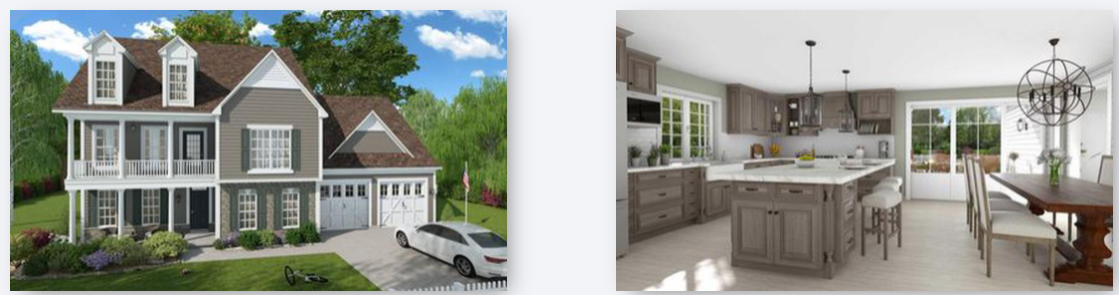
Home builders, remodelers, and even interior designers benefit the most from Cedreo.
At its core, the program allows users to create 3D renderings in minutes. They can create both interior and exterior renderings of a residential project. A user draws a 2D floor plan before the software creates an instant 3D visualization.
From there, it’s possible to furnish the entire project and choose specific materials.
Cedreo is designed for professional users and provides them with a powerful 3D home design tool.
By using Cedreo, professionals can save time and effort in the design process. Generating a realistic home design rendering has never been easier.
2) Hover
An exterior remodel of a home often comes with certain headaches. Measurements must be taken, and multiple contractors must often be contacted.
Fortunately, HOVER removes these headaches with a powerful mobile app. Homeowners and contractors alike benefit from the app’s capabilities.
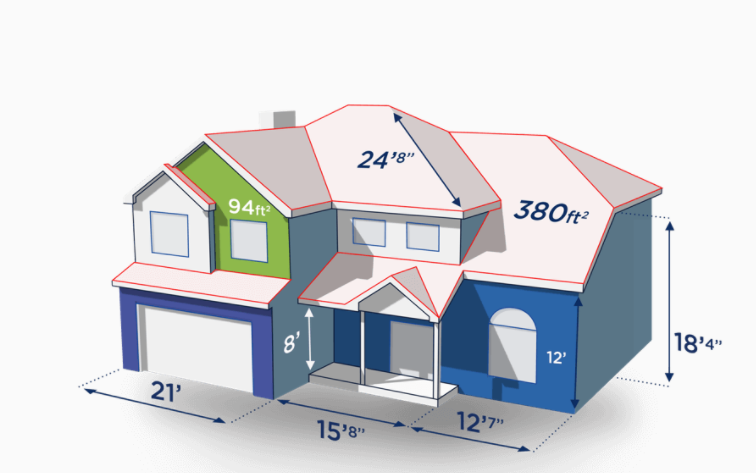
They’ll take photos of a home’s exterior to generate an accurate 3D model of that property.
The app allows users to try out multiple materials and colors for the home’s exterior.
HOVER automatically generates accurate measurements for the exterior. Within the app, users can then tackle various renovation products, whether they want a new roof or updated fascia.
3) ProVia Visualizer

ProVia offers two exterior design tools for homeowners that desire change. The regular Visualizer tool creates a 2D render of the home based on a photo.
On the other hand, Pro Visualizer uses aerial photography to produce accurate home measurements. A complete and interactive 3D model is generated through pro Visualizer as well.
Either way, homeowners can take these designs and design the home exterior they want.
Both tools offer powerful features to make a renovation project a reality. ProVia’s tools make the design process simple and straightforward. With these renders, a homeowner can take their project to a contractor and begin the work.
4) Cedar Architect

Cedar Architect allows professional contractors to design homes in hours, not days.
Unlike other software, both interior and exterior design is possible here. Professional users can create 3D renderings for new home builds, or they can import existing properties to complete remodels.
All renders output by Cedar Architect look professional and realistic.
Renders provide 360 degree virtual visits for all viewers of the project. Countless materials and other tools are baked into the software by default.
Therefore, building a new home or modifying an existing one couldn’t be more simple with Cedar Architect.
5) DreamPlan
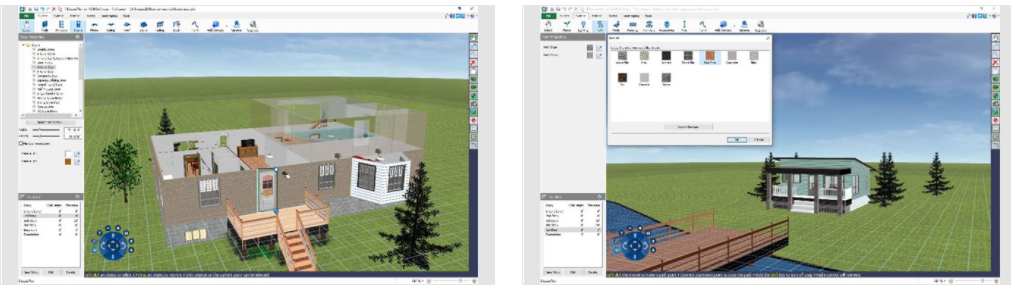
Homeowners can create a home build with DreamPlan in minutes. The software offers premade examples, blueprint tracing, and blank projects.
Through the software, an individual can add multiple stories and decks to the property. DreamPlan generates 2D renders, 3D renders, and even blueprints for user projects, and renders can be output to various file types.
Although DreamPlan provides a basic visualization suite, quite a few customization options are available.
A homeowner could use the software to create their next renovation project. The software could be used for basic home build plans as well. Plus, everything is easy to use without a steep learning curve.
6) Menards Design-It-Center
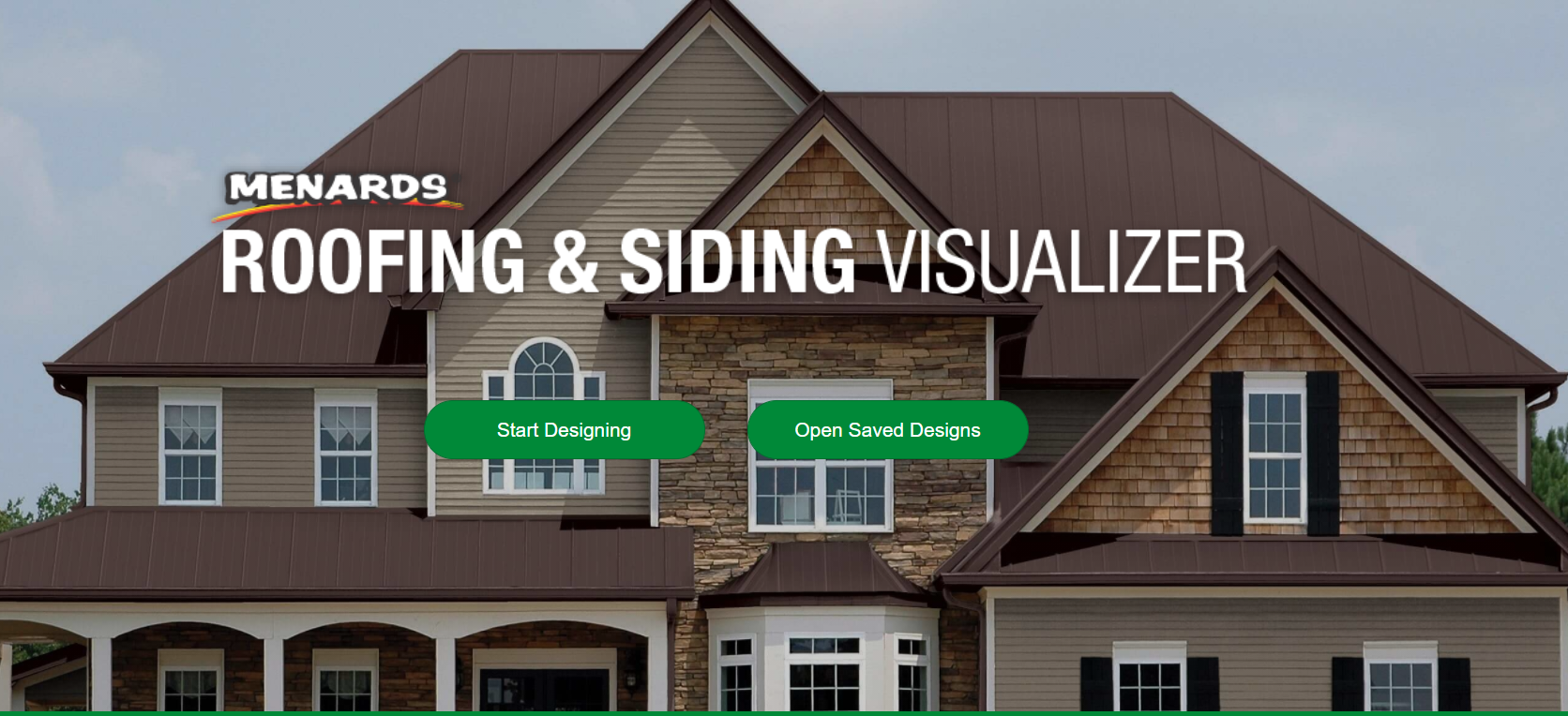
The Design-It-Center from Menards makes exterior and interior design a breeze. In fact, this particular solution is quite unique in how it functions.
A user chooses the specific feature they want to customize and visualize. Decks, doors, windows, garage doors, and other features can be customized here.
In the visualizer tool, an individual chooses the specific feature they want to customize.
The tool then provides an extensive list of specific products and color options (of course all the suggestions are from Menards).
Users can visualize everything in a smooth render that’s close enough to their actual home.
From there, they can place an order for their chosen project through a local retailer.
7) KWP Home Designer 2.0
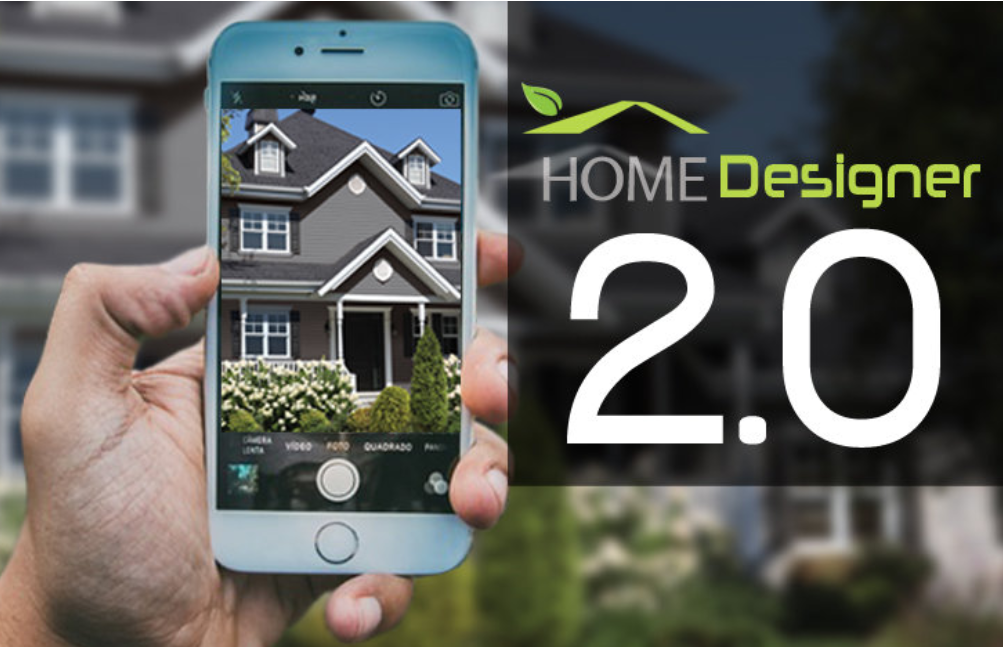
KWP understands that homeowners ask a lot of questions when it comes to exterior design.
The company’s Home Designer 2.0 software attempts to provide the answers. After accessing the tool, users upload a photo of their home or choose from premade homes. They then select their preferred exterior features and accessories.
Completed projects can be emailed or printed based on personal preference. KWP Home Designer 2.0 generates a blueprint for each project. In doing so, the software makes it easy to turn the visualizer into a reality.
8) RBS Exterior Home Visualizer
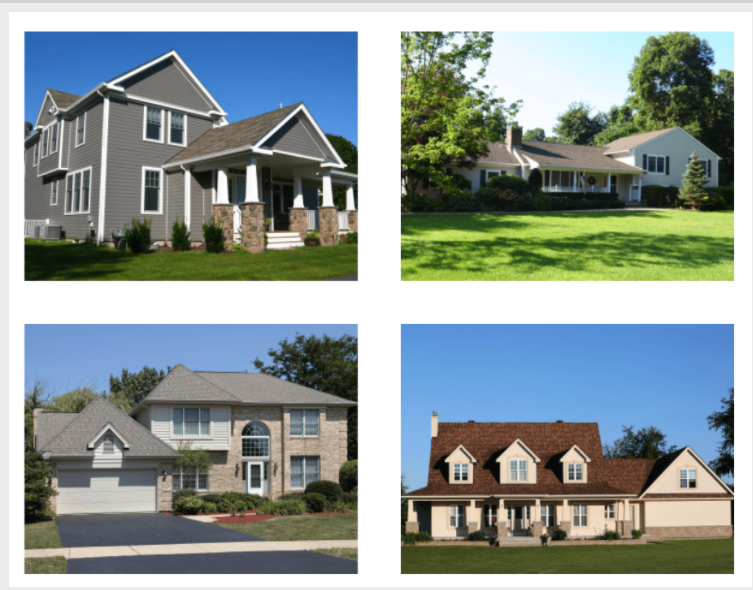
Homeowners need to try the RBS Exterior Home Visualizer to see how simple it is.
The visualizer accepts a photo upload and offer model homes as well. From there, homeowners can customize countless features and colors.
RBS offers multiple brands of siding, roofing materials, and other exterior features, which is uncommon with visualizers.
By offering so many options, homeowners can realize the exterior home of their dreams.
Projects can be saved and downloaded in seconds. It’s possible to order photos of the completed visualizer project, too. Within minutes, homeowners can reimagine their home’s exterior design with ease.
9) Alside Visualizer

Through the Alside Visualizer, exterior home design becomes a simplified process. Potential clients start each project with their own home or a model home.
The render generates, and they’re then able to customize every aspect of the home’s exterior. In Alside’s case, a variety of customization options are available to suit users’ needs.
Projects can be saved and recovered later on for reference. It’s possible to create snapshots in the visualizer to highlight aspects of a given project.
Once a project is completed, users can generate a report and see their project from multiple angles.
10) Dream Designer
Dream Designer offers a basic exterior visualizer for homes. The company specifically allows homeowners to modify the siding and trim of their home.
To get started, users can start with a model home exterior, or they can create an account to upload photos of their own home.
In the visualizer, a user selects the exterior area they want to work on. Most of the home’s siding and trim areas are selectable.
The same goes for doors and windows. Various material and color options are available within the visualizer.
After completing the design, homeowners can save their creation for reference later on.
11) Alure Home Design
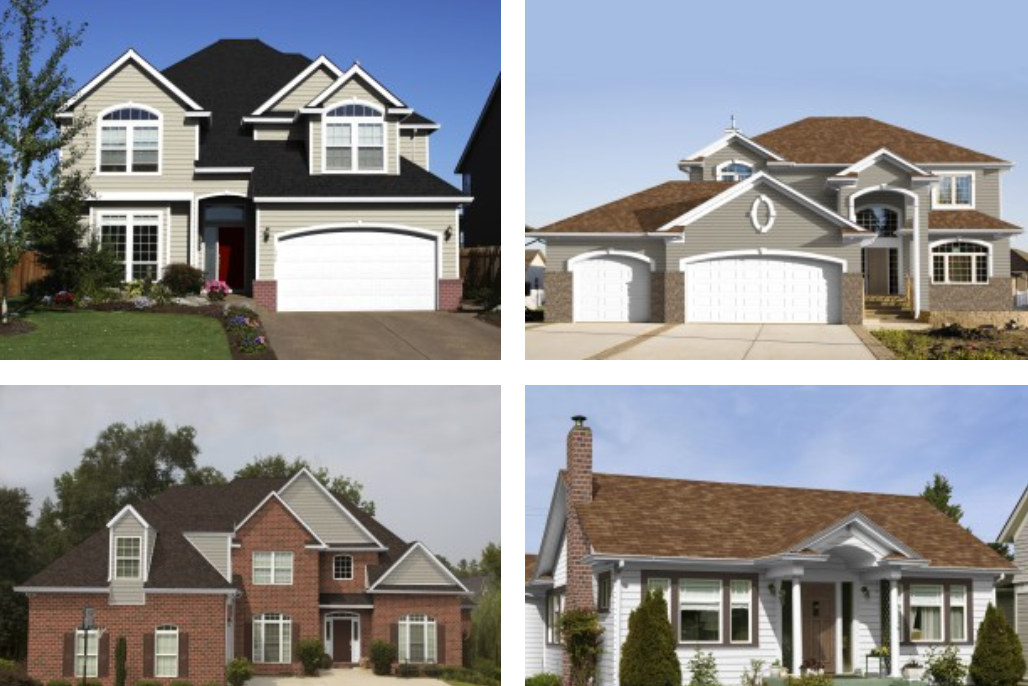
Consumers can purchase a variety of roofing solutions, siding products, and windows from Alure.
Thankfully, Alure provides an exterior design visualizer for potential customers. They can upload a photo of their home to the visualizer tool. A Pro option allows Alure’s team to create a customized render of the user’s home instead.
At that point, users apply their siding, windows, or roof material of choice to the render.
They can see the changes in real time to get an idea of what the changes will look like. Alure’s visualizer is quite accurate and doesn’t require much effort to use.
12) Ply Gem
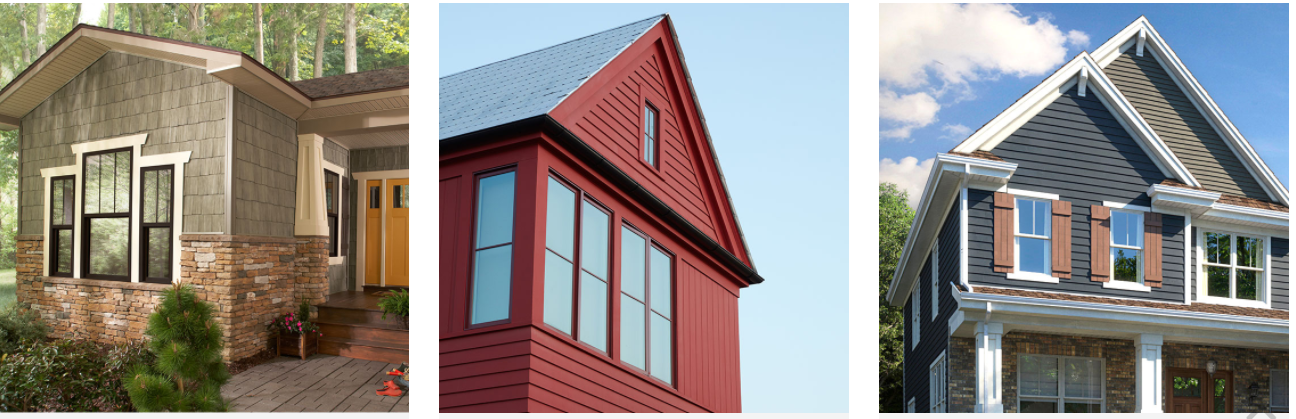
Home Design Visualizer is a simple exterior design software from Ply Gem. On the website, users can start with sample homes to create a design, or they can upload a photo of their home.
They’re then able to select from a large range of customizable features on the home’s exterior. They can choose customized shutters, windows, doors, garages, and more.
Luckily, each customization option includes a variety of color palettes and solutions.
Ply Gem provides a powerful tool for designing the exterior of a home. A beautiful render can be created within minutes rather than hours with the Home Design Visualizer.
13) Hallmark Homes
Without a doubt, Hallmark Homes offers one of the most comprehensive exterior home design solutions. Visualize By Hallmark offers various home exteriors to choose from.
The tool provides dozens of customization options from colors to materials. Also, its 3D render changes in real time as users choose their preferred options.
Clicking on the 3D render provides options for customizing specific exterior sections.
For instance, the roof can be modified by tapping the roof. When the user clicks near windows, they’re provided options to edit the windows and siding. Detailed renders like these are difficult to come by free of charge today.
14) Hoffman Weber
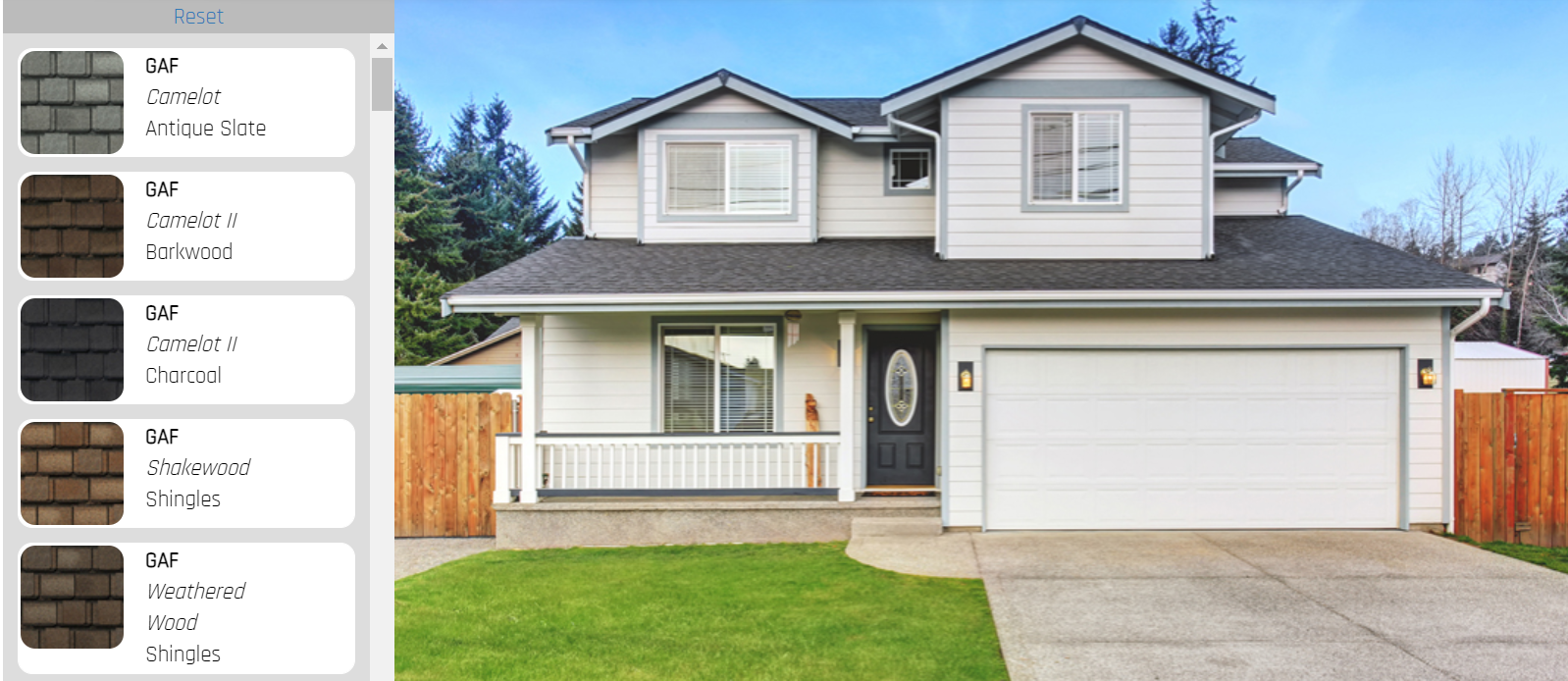
Hoffman Weber’s exterior home design tool includes a free estimate for each project.
The tool allows users to choose from various home styles to start the design process.
After choosing the exterior facade, they can select various roof shingles and color combinations. Other customizable features include the home’s siding, pillars, garage, door, and more.
The Hoffman Weber tool generates an interactive 3D model. After each project is created, an estimate is then generated for the project.
It’s a simple and straightforward tool that provides an excellent model. Homeowners can then determine whether they want to proceed with their chosen project.
15) GAF Virtual Remodeler
GAF Virtual Remodeler helps homeowners choose the right products for their home’s exterior, especially for roofing projects.
The visualizer specifically works with GAF branded products. Currently, this includes roof materials, wall materials, and even exterior paints. Users can upload a photo of their home or use a comparable property in their area.
In the remodeler, they can select a roof material and color. They can then choose wall materials or exterior paint colors.
They’ll see these items transposed onto their home within the remodeler. Through GAF Virtual Remodeler, homeowners gain a better idea of how products will look on their home in minutes.
16) James Hardie House Color Visualizer
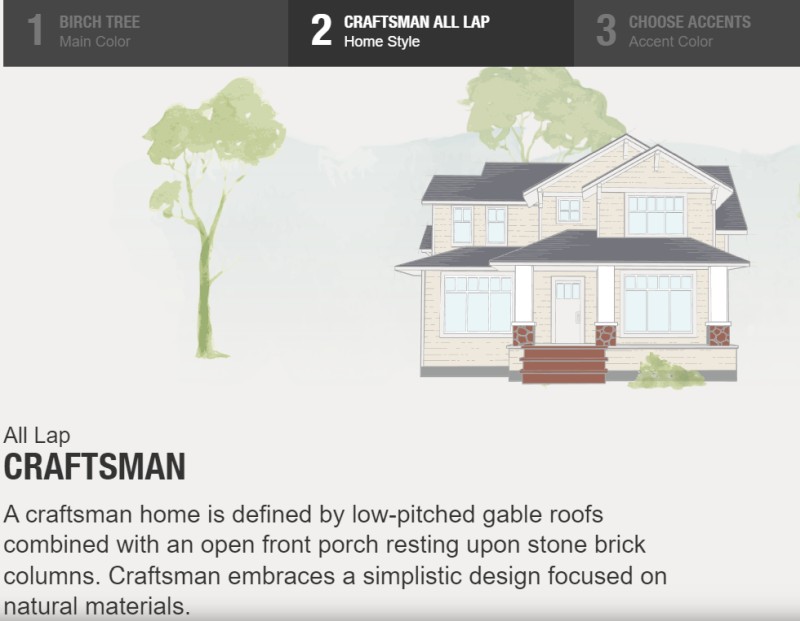
James Hardie Industries claims to be “the world’s #1 producer and marketer of high-performance fiber cement and fiber gypsum building solutions.”
In support of this claim, Hardie boasts an international operation focused on helping consumers achieve their ideal dream home driven by the company’s Zero Harm Safety Initiative.
To help homeowners visualize interior and exterior finishes in advance of the installation of a Hardie siding product, the Home Color Tool allows homeowners to experiment with exterior “looks” so shoppers see exactly what their home will look like once remodeling is complete.
17) Window World
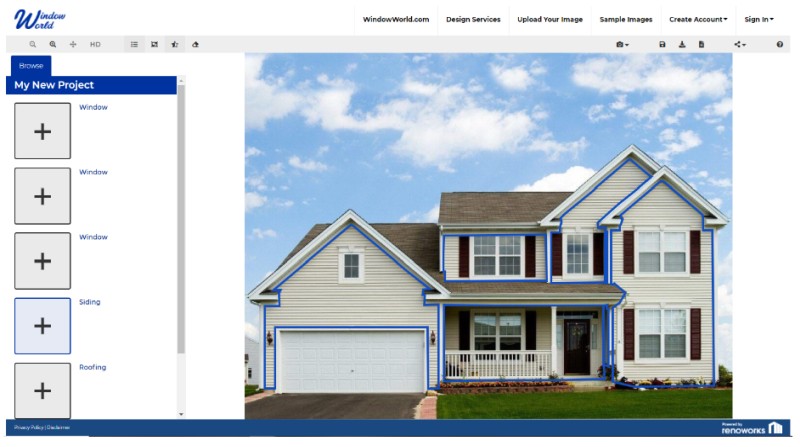
Do you want the ultimate input on your exterior home design? Window World offers free software visualizer from the company website.
From design suggestions to step-by-step directions, you’ll need a desktop computer and a browser to use it but once the web app starts, you can either tap pre-selected images or upload photos of your home and then save your work as you fine tune your design.
Request a photo of your design for a $15 charge and it will arrive in your mailbox in two days.
Take the downloadable design report you generate to your local Window World store or request an at-home visit to finalize things and get quotes.
18) CertaPro

Whether your project is a home or a business, CertaPro Painters, founded in 1992, is primed to assist customers with tools they need to make new color decisions via the site’s Exterior Paint Visualizer program.
Sample project ideas can inspire you or upload an exterior photo of your abode and use simple tools to make color decisions from Sherwin Williams, Benjamin Moore, or PPG pallets.
Once the design is done, view, print, share or revise plans until you are satisfied, at which point, you can request free quotes.
Can’t decide on a color? Avail yourself of the website’s color consulting services to have a professional weigh in on your choice.
19) Eldorado Stone
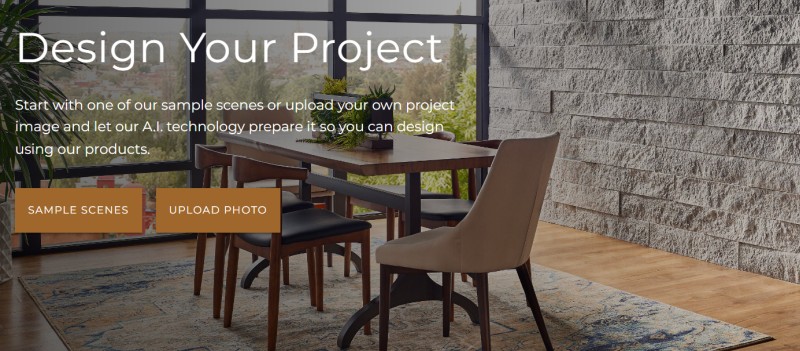
If your taste runs to exotic finishes that stand out versus paint, Eldorado Stone Corporation, founded in 1969, has become the leading manufacturer of architectural stone veneer.
Manufactured of Portland Cement, this material is not only transformative but realistic, crafted using molds to replicate the look of naturally occurring finishes.
To ascertain whether stone or brick is a good choice for you, use the Eldorado Stone Visualizer tool before uploading a photo of the area you intend to remodel.
The file can’t exceed 16MB and the image must be at least 1600px wide. Follow program prompts to come up with your unique look.
20) Riverhead Visualizer
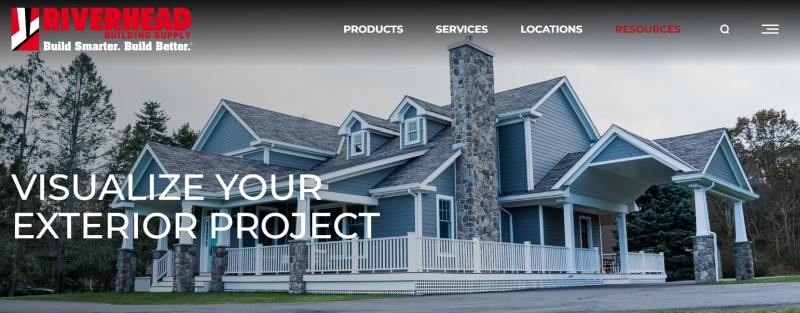
Headquartered in New York and New England, Riverhead Building Supply’s 20 locations offer patrons all the resources they need to undertake a house exterior remodel.
Included are showrooms, professional advice, catalogs, a digital library filled with project ideas and the tool that puts you in the driver’s seat: The Riverhead Vizualizer app.
Using it is simple thanks to a 3-step process: Sample homes, choose between the “prepare it myself” or “order my project” options and save your work to a dedicated file. Keep fine tuning your design until it’s perfect.
Related Posts
- 13 Online Closet Design Software and Wardrobe Planner Tools
- 15 Best Home Builder Contractors Software and Apps (Construction Management)
- Top 14 Pool Design Software Programs (Free&Paid) for Pros and DIY
- 14 Great Home Remodel Estimate Software (Free and Paid)
- 12 Best Furniture Design Software (Free&Paid) 3D, Online or for Windows
- 10 Top Architecture and BIM Design Software for 3D/2D Modeling

looking for a free app to take exterior pics of my home so i can build avfairl acurate modle from wood or foam of my existing home, what do yousuggest?
Steve you can try Provia visualizer app or Hover for example.
What app would you recommend if I wanted to add a three season room to the front of the existing house.
The apps in this article are mostly visualizer apps. If you want to design a room I’d suggest to look at SketchUp.
I’m looking for a program where I can upload a picture of my rancher. I want to try different paint colors on my aluminum siding, window trim and garage door. I also want to try different doors and storm doors. I also want to change the roof shingle color. A program for landscaping is wanted a well. Thank you!